
AI
AI Agents + GitHub: the designer's toolkit nobody talks about
The developer ecosystem is an absolute goldmine for designers. And most designers have no idea it exists. Here's how to start using it.
You described it clearly. You even included a screenshot. And the AI built something that looks... fine. But not right.
The spacing is off. The hierarchy is flat. There's a drop shadow you didn't ask for. The whole thing feels like someone read your brief and then just... guessed.
Sound familiar?
Here's the thing - this isn't a new problem. It's the same translation loss we've always had between design and code. It just happens faster now. Instead of waiting three sprints to be disappointed, you can be disappointed in thirty seconds.
Progress, I guess.
But after working with AI agents daily for over a year - building, breaking, and rebuilding things - I've started to notice patterns. The gap between what I intend and what gets built has gotten much smaller. Not because the AI got smarter, but because I got better at communicating with it.
And most of what I've learned maps directly to skills you already have as a designer.
When you tell an AI "put a card with rounded corners, a thumbnail on the left, a title and description on the right, and a button at the bottom" - you're describing pixels. The AI will build exactly that. And it'll look like a first-year developer's homework.
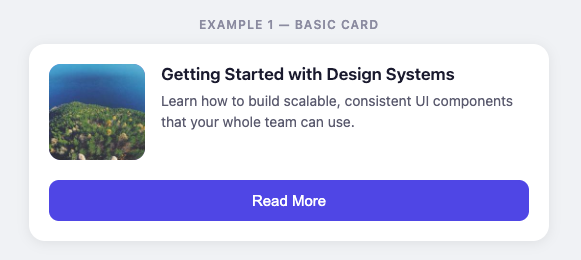
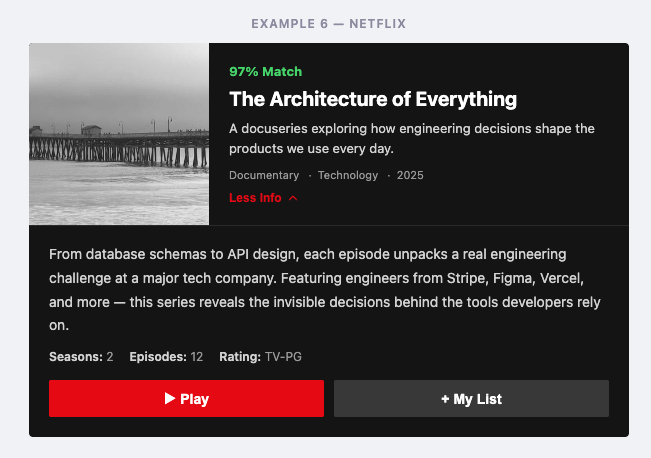
Instead: "Use a horizontal media card with progressive disclosure."
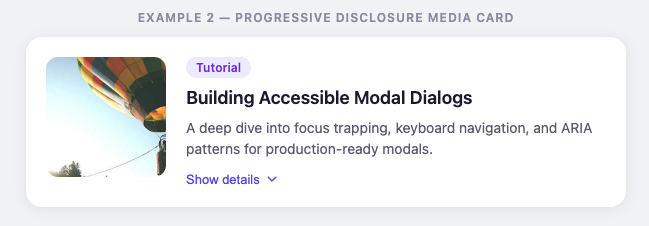
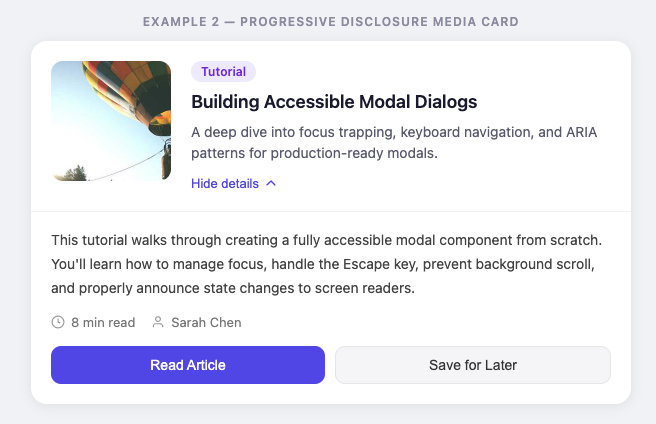
That one sentence carries decades of design convention with it. The AI knows what a media card is. It knows what progressive disclosure means. It'll make better decisions about spacing, hierarchy, and interaction than you'd get by specifying every property.
You're a designer. You know the vocabulary. Use it. Name the pattern and let the AI handle the implementation.
AI tools are optimistic. They fill silence with assumptions. And those assumptions usually look like: gradients, drop shadows, rounded corners on everything, and that specific shade of blue that every AI seems to default to.
So tell it what you don't want.
"No decorative elements. No drop shadows. No rounded corners larger than 4px. No color outside our palette."
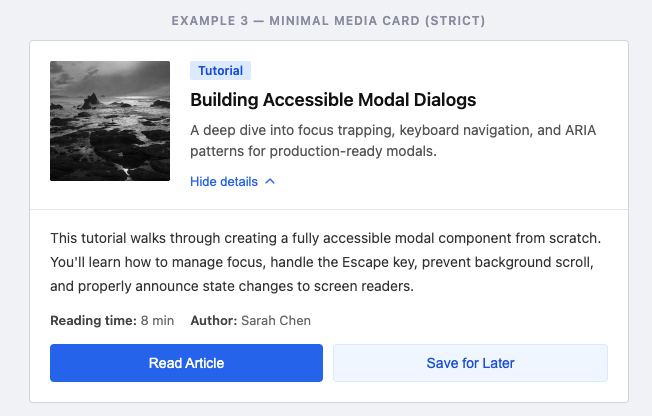
It feels weird to design by exclusion. But constraints are the most powerful design tool we have - and they work on AI the same way they work on junior designers.
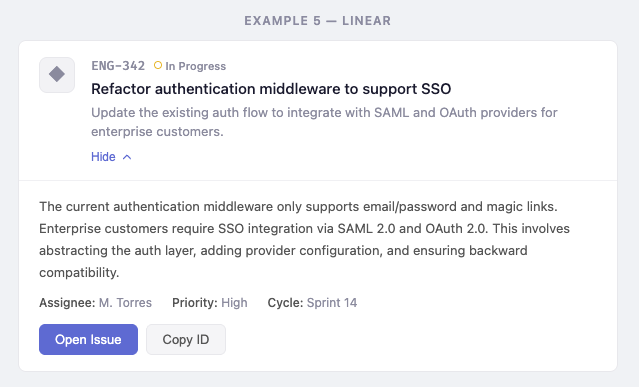
Instead of writing three paragraphs describing the layout you want, try: "Like Linear's issue view, but with our brand colors and a wider content area."
You're giving the AI a mental model instead of a specification. It can extrapolate from a reference much better than it can assemble from a parts list.
This is art direction. You already do this when you work with developers and say "look at how Stripe handles this." Same skill, different collaborator.
A few references that work well:
Spotify (clean data-heavy layouts)

Linear (minimal product UI)
Netflix (content-first design)
Apple (typography and spacing).
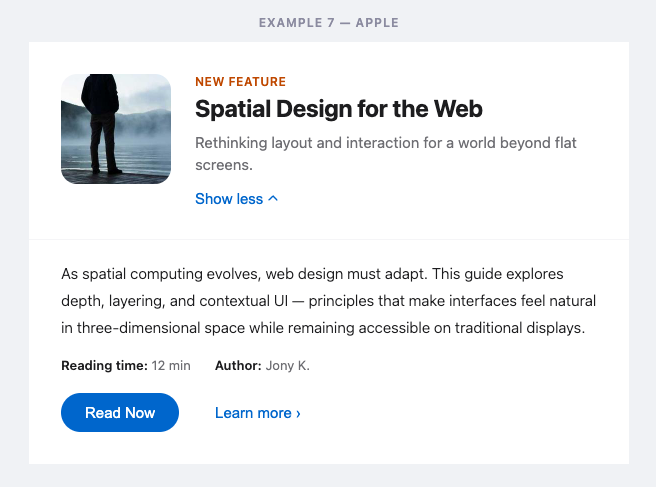
Pick the one closest to what you want and let the AI close the gap.
If the AI keeps getting your spacing wrong, stop correcting individual elements. Give it your spacing scale.
If it keeps picking the wrong font weights, stop fixing each heading. Give it your type system.
If it keeps inventing colors, stop replacing hex values. Give it your tokens.
Every time you fix an individual output, you're treating a symptom. Every time you give the AI your system, you're treating the cause.
None of this is really about AI. It's about communication.
The skills that make you good at working with AI are the same skills that make you good at working with developers: clear intent, strong references, explicit constraints, and systems over one-offs.
The difference is speed. You get feedback in seconds instead of sprints. Which means you can iterate faster, catch misalignment earlier, and spend less time in the "that's not what I meant" loop.
AI didn't fix the design-to-code gap. But it compressed it into something you can actually work with.
If you're experimenting with AI in your design workflow and running into weird friction - I'd love to hear what's tripping you up. Reply to this, or find me on LinkedIn. I'm figuring this stuff out too, and the best insights come from actual conversations.

Written by
Björn Rutholm
Founder of PixelPappa
Technical cofounder for hire. Product designer and developer helping teams build digital products that work.
The developer ecosystem is an absolute goldmine for designers. And most designers have no idea it exists. Here's how to start using it.
A new traveler app for Infospread that led to four new framework agreements upon launch.
A look at the design process behind SPF Mötesglädje. National app helping seniors combat loneliness.
Insights, case studies, and updates from PixelPappa.